
Compare Rightmove, Zoopla & OnTheMarket homes side by side
Compare your Rightmove, Zoopla and OnTheMarket shortlist in one place. Save homes for sale with the Chrome extension and compare them side by side on the website.
For desktop Chrome · Residential properties for sale
Already installed or new to extensions? Open the step-by-step guide →
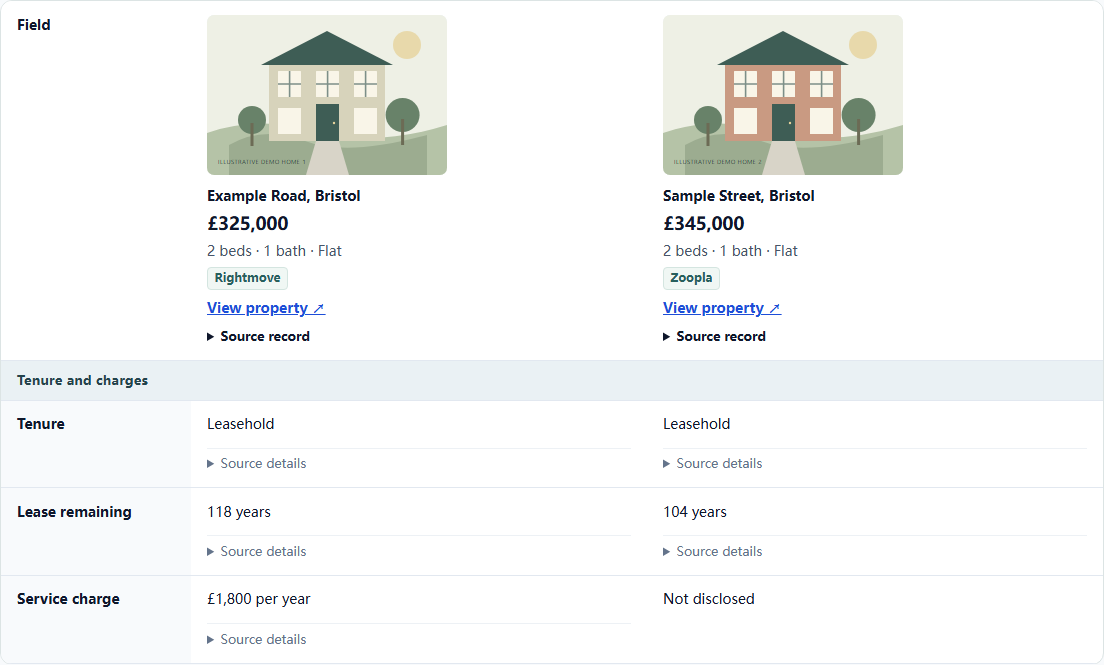
Same fields, side by side. See what the differences tell you ↓
How to keep track of homes you want to view
Keep one property shortlist across all the sites you use. In the house-hunting spreadsheet, give each home a column for its listing link, asking price, floor area, tenure and anything you want to ask at the viewing. Keep the original link handy so you can check updates.
If you already have several listings open, you can save them with easydaylab Homes and compare the details each listing provides on one screen.
Download the free UK house hunting spreadsheet if you’d like to start with a blank comparison.
Build one shortlist across Rightmove, Zoopla and OnTheMarket when homes appear on several sites.
Start your workspace
Add the extension to desktop Chrome, then open your website workspace. You can start as a visitor.
Save the homes you have found
On a supported for-sale listing, click the H icon, then Capture and save. Repeat on the same portal or a different one.
Compare before you view
On the website, choose up to 3 homes with Free access and select the details that matter to your search.
How to compare two houses before a viewing
Imagine you have saved one home from Rightmove and another from Zoopla. Start with asking price, floor area and tenure. Then check what the listings leave out so you know what to ask the estate agent.
| Listing detail | Home AExample Road · Rightmove | Home BSample Street · Zoopla |
|---|---|---|
| Asking price | £325,000 | £345,000 |
| Floor area | Not disclosed | Not disclosed |
| Tenure | Leasehold | Leasehold |
| Lease remaining | 118 years | 104 years |
| Service charge | £1,800 / year | Not disclosedAsk the agent ↓ |
| EPC rating | C | D |
6 details shown here. Choose from 30 supported comparison details in the workspace; availability depends on each listing. Free access supports up to 3 homes per comparison.
Home A is listed at £20,000 less and has 14 more years on the lease in this example. For Home B, ask the agent for the annual service charge before comparing ongoing costs. Ask for the floor area of both homes if you want to compare how much space you get for the price.
Start with a home you have already found. See how to install and save it →
Read the step-by-step guide to comparing two houses before viewing
House viewing checklist for your shortlist
Use the same questions for each home so you can compare the answers after your viewings. Start with details missing from the advert.
- Space and layout. Ask for a floor plan or measurements. Check whether the rooms you use most have enough space for your furniture and everyday needs.
- Tenure and ongoing costs. Ask whether the home is freehold or leasehold. If leasehold, ask how long the lease has left, what charges apply and whether any major works are planned.
- Condition and energy. Note any issues you see, ask about past repairs and check the EPC if available. Write down anything you want to raise with a surveyor.
- Location and daily travel. Check the actual route to the station, work or school. Make a note of noise, parking and the shops or services you use regularly.
After each viewing, record one reason to keep the home on your shortlist, one concern and your next question. See how a missing detail becomes a question in the comparison example.
SEE IT IN ACTION
Two homes. Clearer questions.
Follow an illustrative Bristol home search, from saving listings to preparing for a viewing.
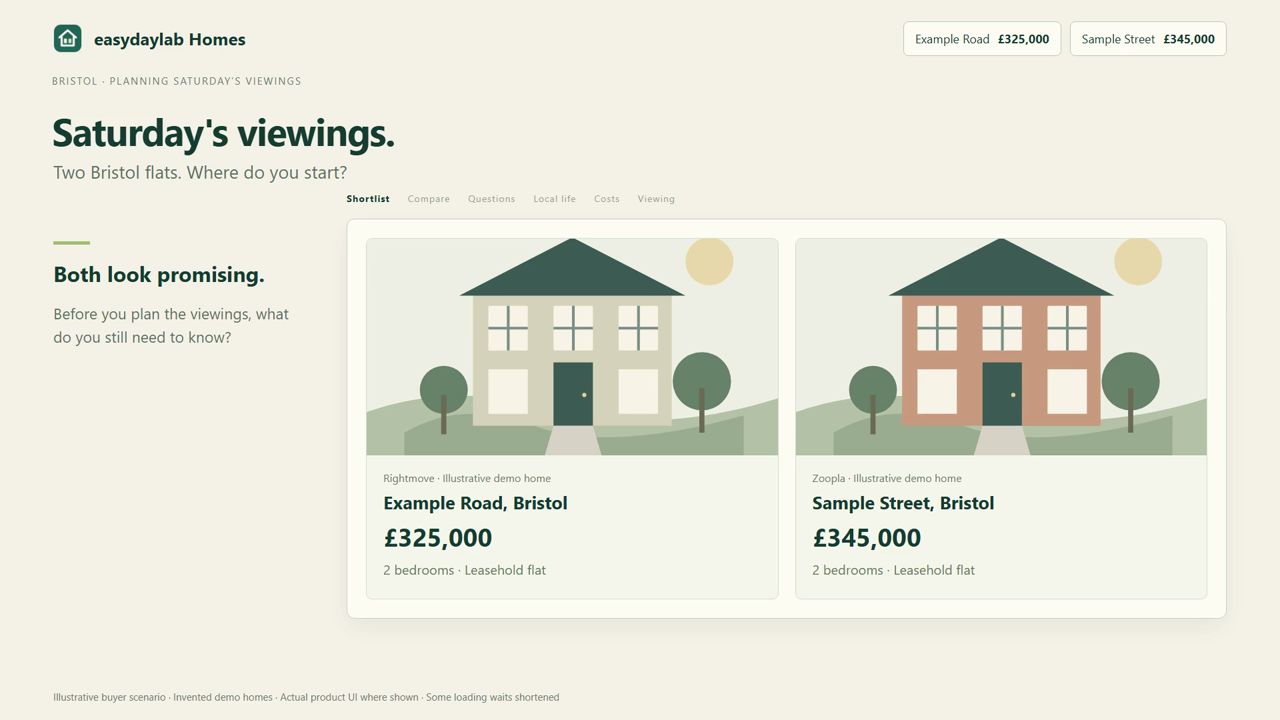 ▶ Watch on YouTube · 71 seconds · English narration and subtitles
Questions about comparing your shortlist
How do I compare houses from Rightmove and Zoopla?
Save a home from each site with the Chrome extension, then select both in Compare on the website. You can add homes from OnTheMarket or compare homes from the same site. Each saved home links back to the original listing.
Which property listings are supported?
Individual residential property-for-sale pages on Rightmove, Zoopla and OnTheMarket, using desktop Chrome. Rental listings and search-results pages are not supported.
What can I compare?
Choose from 30 details, including asking price, floor area, tenure, lease remaining, service charge and EPC rating. Missing information stays unknown, rather than becoming zero. Saved details are not a live price feed; check the original listing for updates.
Can I check buying costs and nearby places?
On the companion website, optional access includes buying-cost estimates using your inputs and nearby transport, shops, healthcare, schools and parks. Use these to explore a move’s budget and picture everyday life there. Nearby places need a usable UK map position; distances are approximate straight-line distances, not walking times. Check services with providers. Estimates are not financial advice.
Can I start with Free access?
Yes. Free access includes limited saves and storage, comparisons of up to 3 homes and the first 5 buying checklist items. Full checklists, saved notes, nearby places, cost estimates and higher limits require optional access. See current features and allowances →
Need help finding the H icon or saving a home? View the illustrated guide and 77-second tutorial →
Browse all UK house hunting guides →
easydaylab Homes is independent of Rightmove, Zoopla and OnTheMarket. Missing information is not proof of a defect. Confirm important details with the original source and the appropriate professional. Privacy →
We use first-party usage measurement to improve this page. Manage measurement →